
Premium
Splits Lab
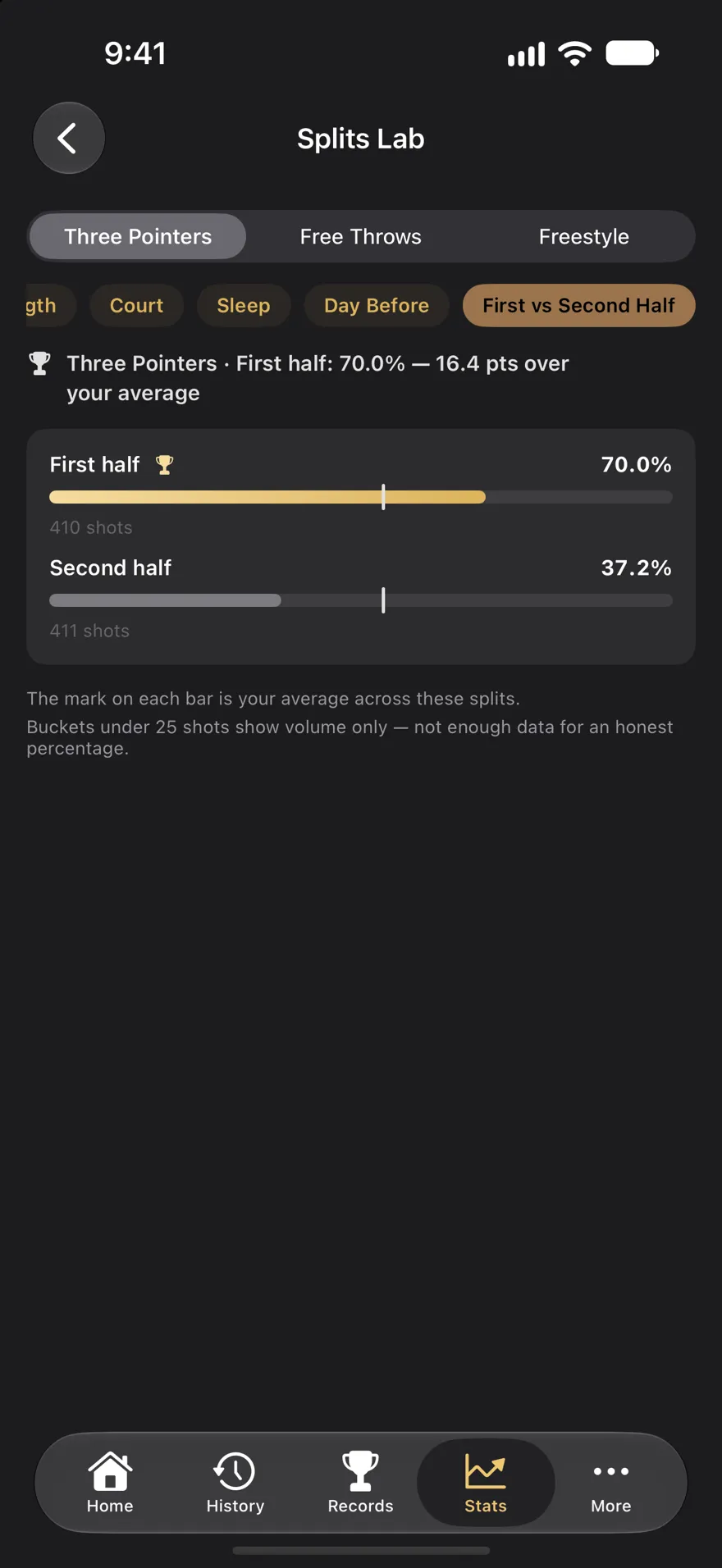
Your shooting split by first half against second half, day of the week, time of day, session length, court, last night's sleep and how much you shot the day before. It only names a best condition when the gap holds up.
Opening Week, October 20 – November 3: shoot on five days of the season's first week and finish with a card of your week. Free in Tally Hoops.
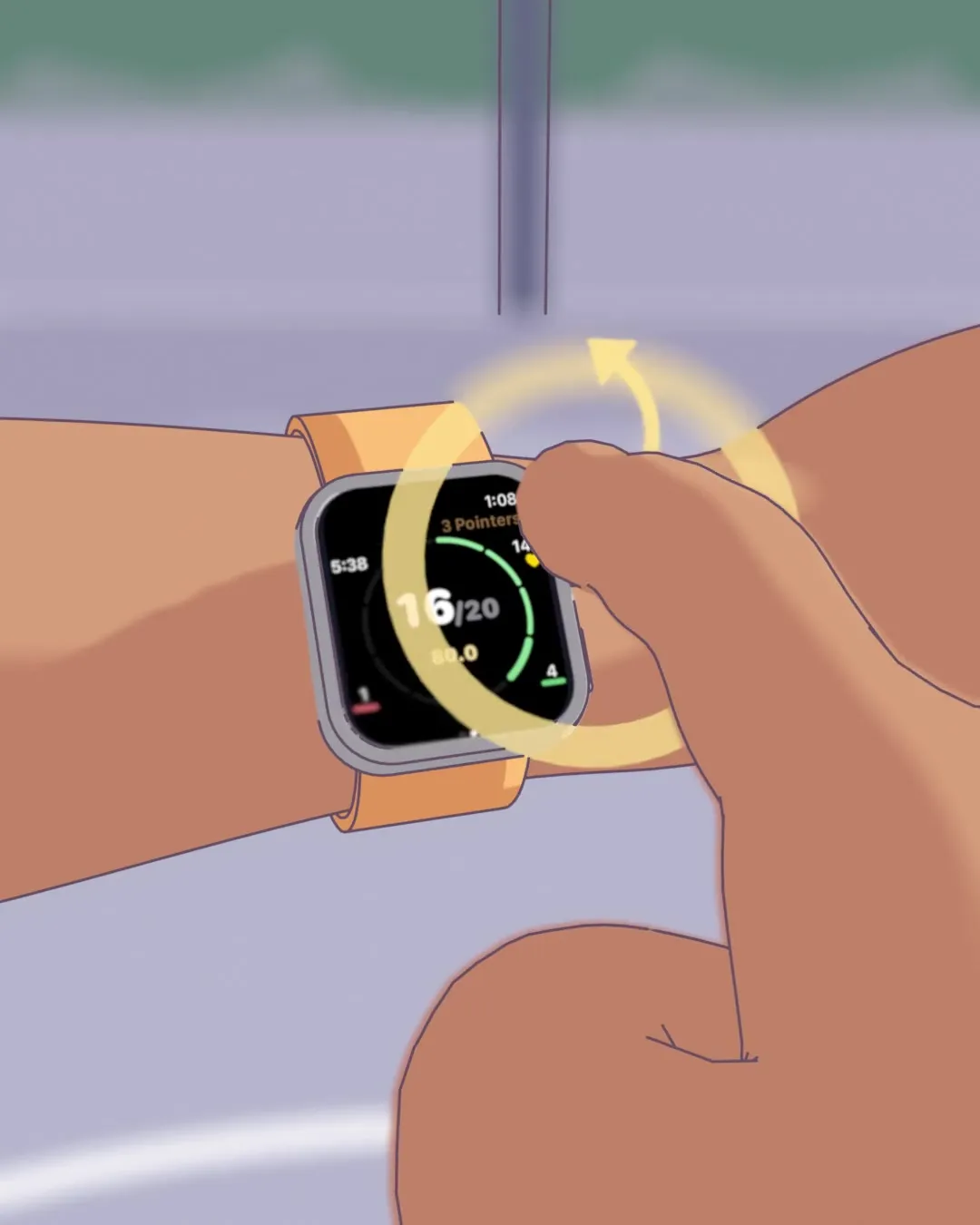
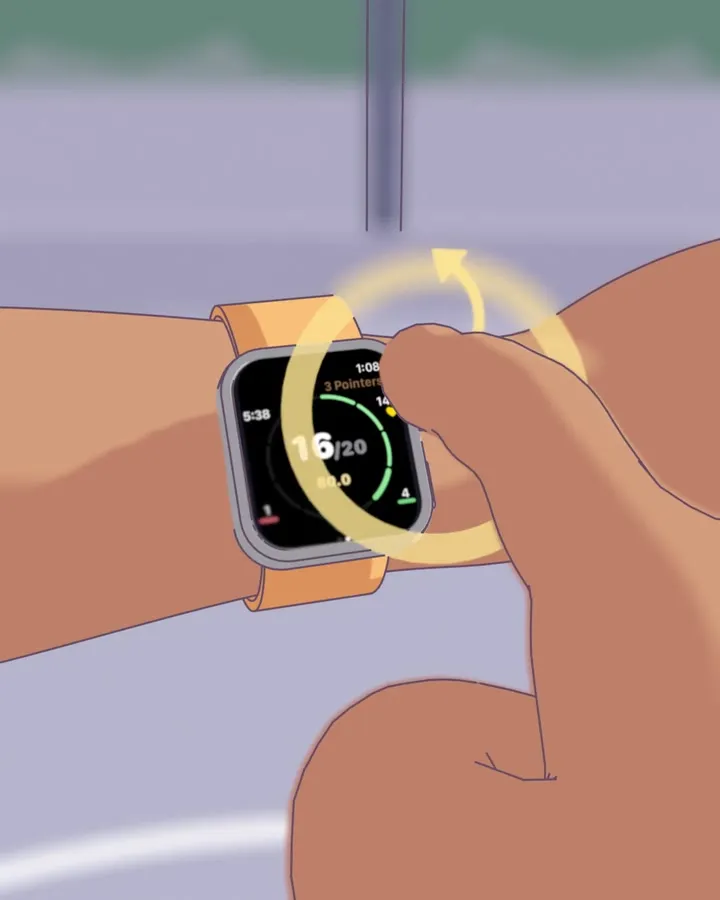
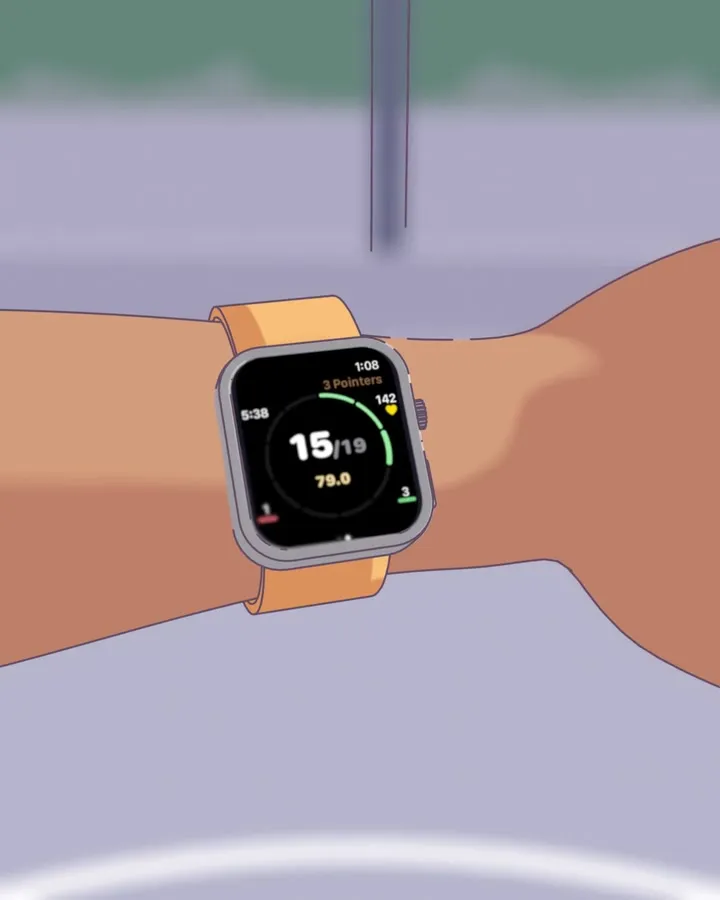
Log every make and miss without stopping: roll the Digital Crown, Double Tap, or just say “make”. Tally Hoops counts your free throws and threes, races your best session on your wrist, and finds the heart rate where your shot starts to fall off.
Free · On the App Store since 2018 · 23 languages · Requires iOS 26 or watchOS 26
You know you shot well tonight.
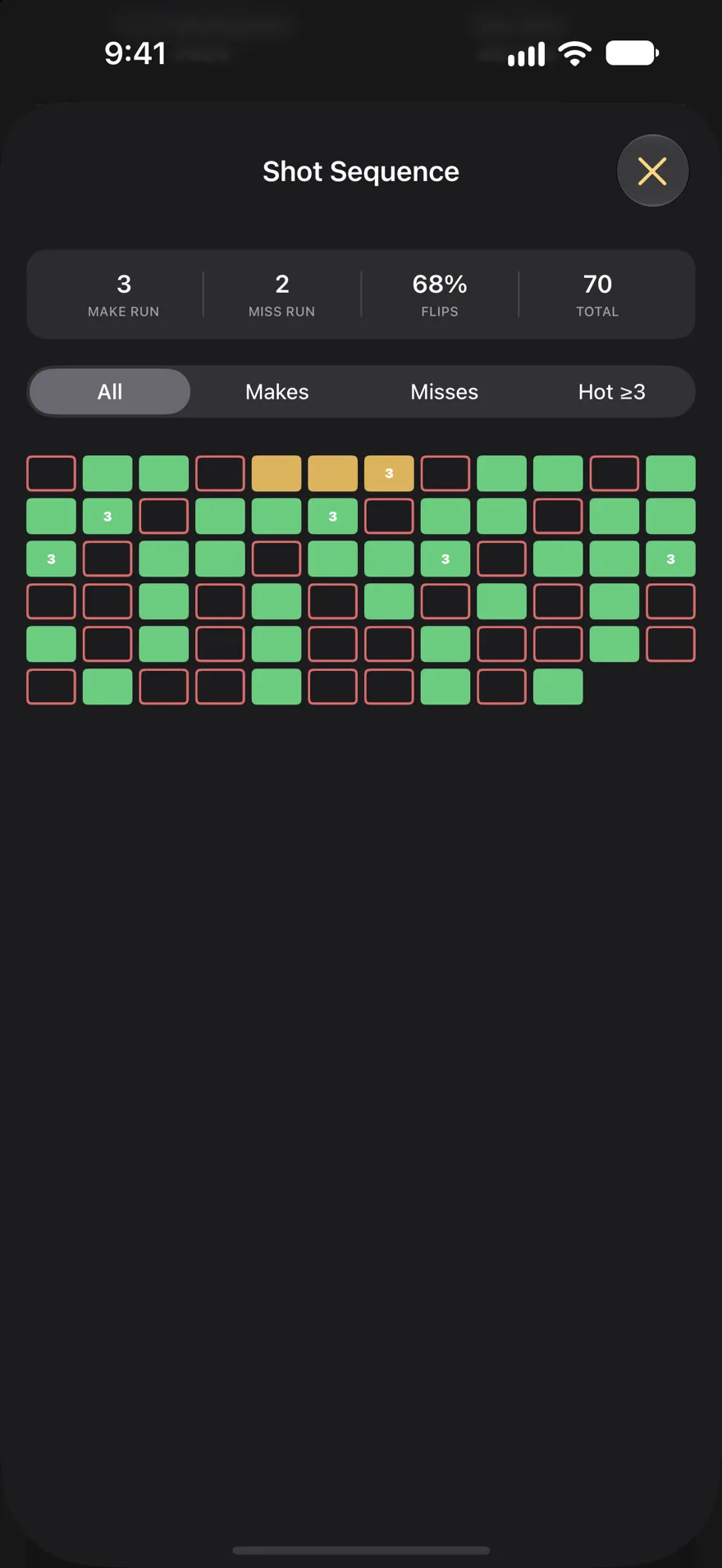
Tally Hoops knows you went 47 for 61 from three, hit 12 straight in the middle of it, and started missing once your heart rate passed 134.
An example session. Yours will have its own numbers.
6:02 PM Shot 1
Shoot, log it, keep shooting. The watch works on its own, so your phone can stay in your bag, and a watch session is a workout in Apple Health.
Double Tap logs a make with the hand that wears the watch, so the other hand never leaves the ball. Press and hold the screen for a miss.
Double Tap: Series 9, Ultra 2 or later
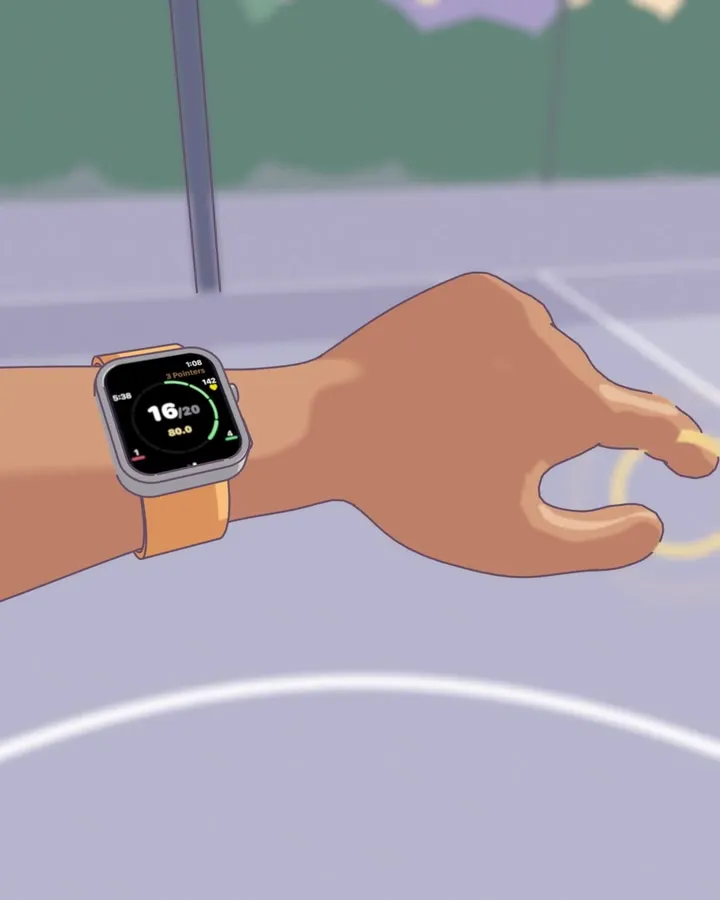
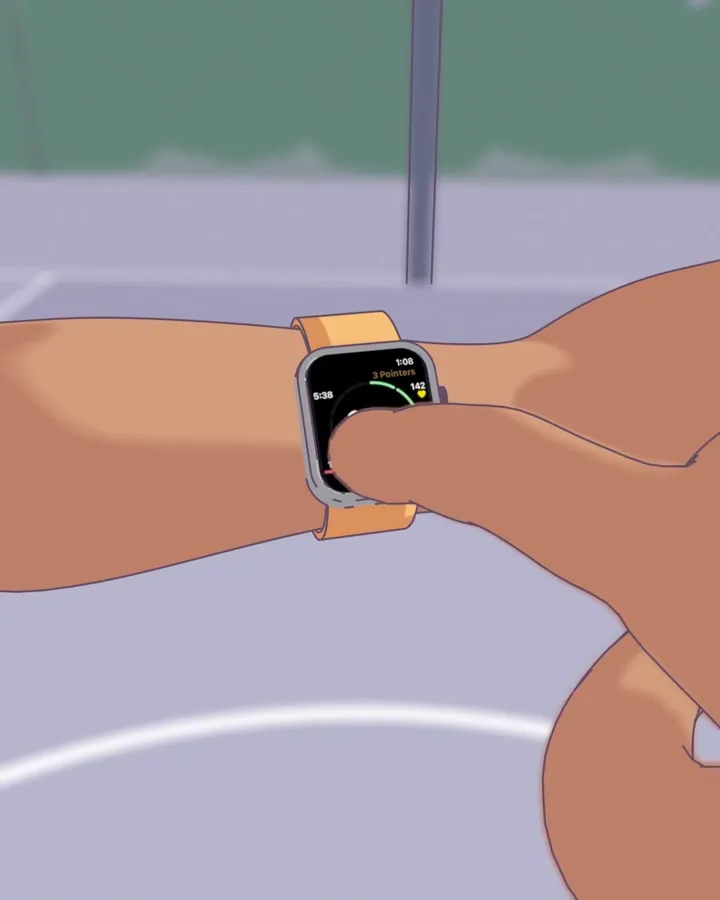
Up for a make, down for a miss. You can do it without looking at the screen.
Every Apple Watch
No watch? Lean your iPhone against your bag and say “make” or “miss”. “Undo”, “pause” and “end” work too. Speech recognition runs on the phone itself.
iPhone, with or without AirPods
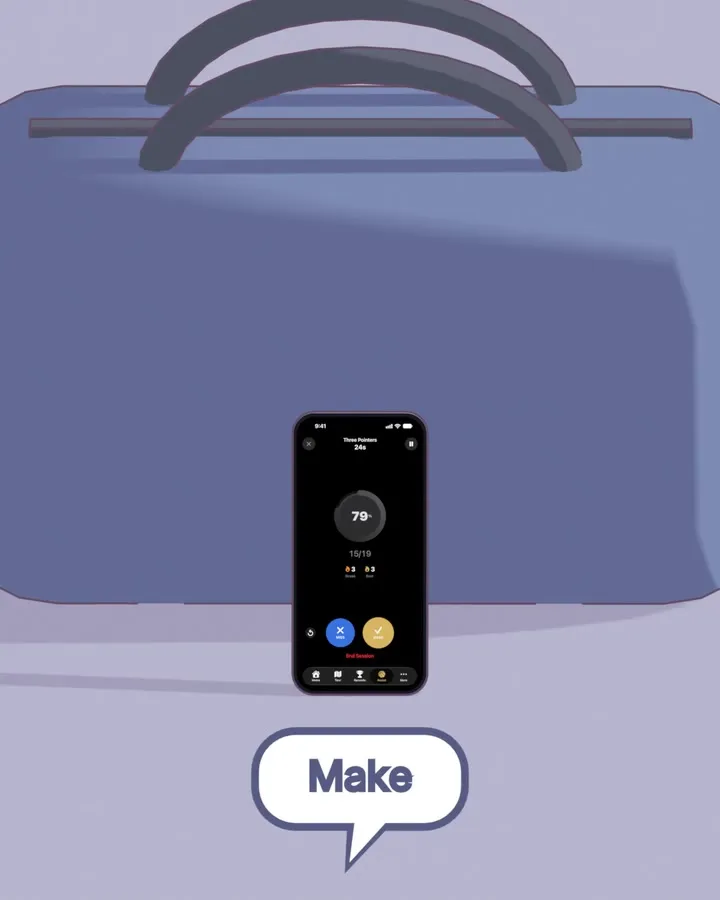
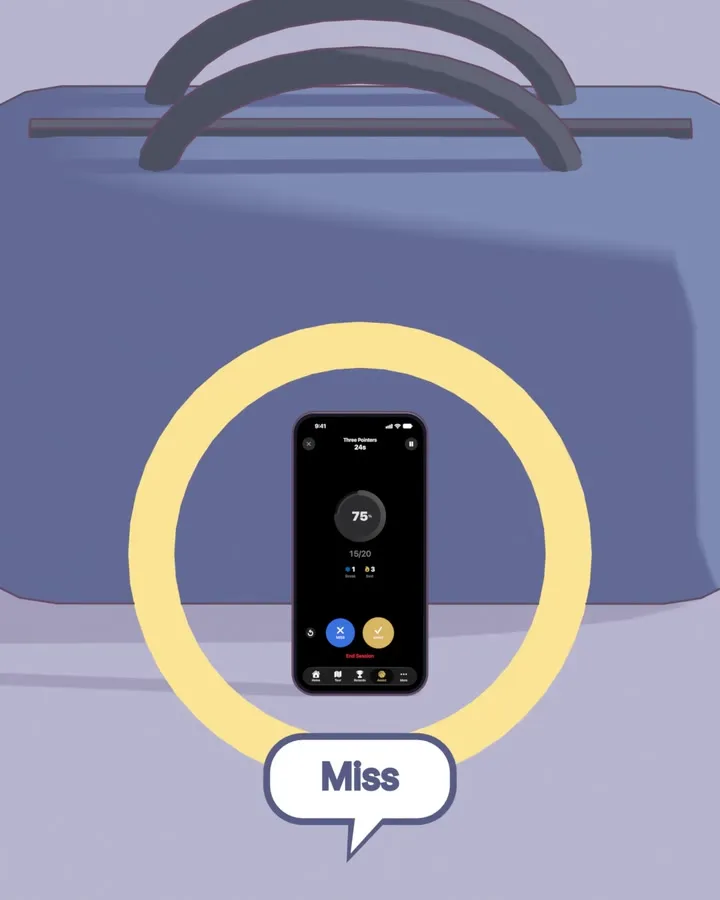
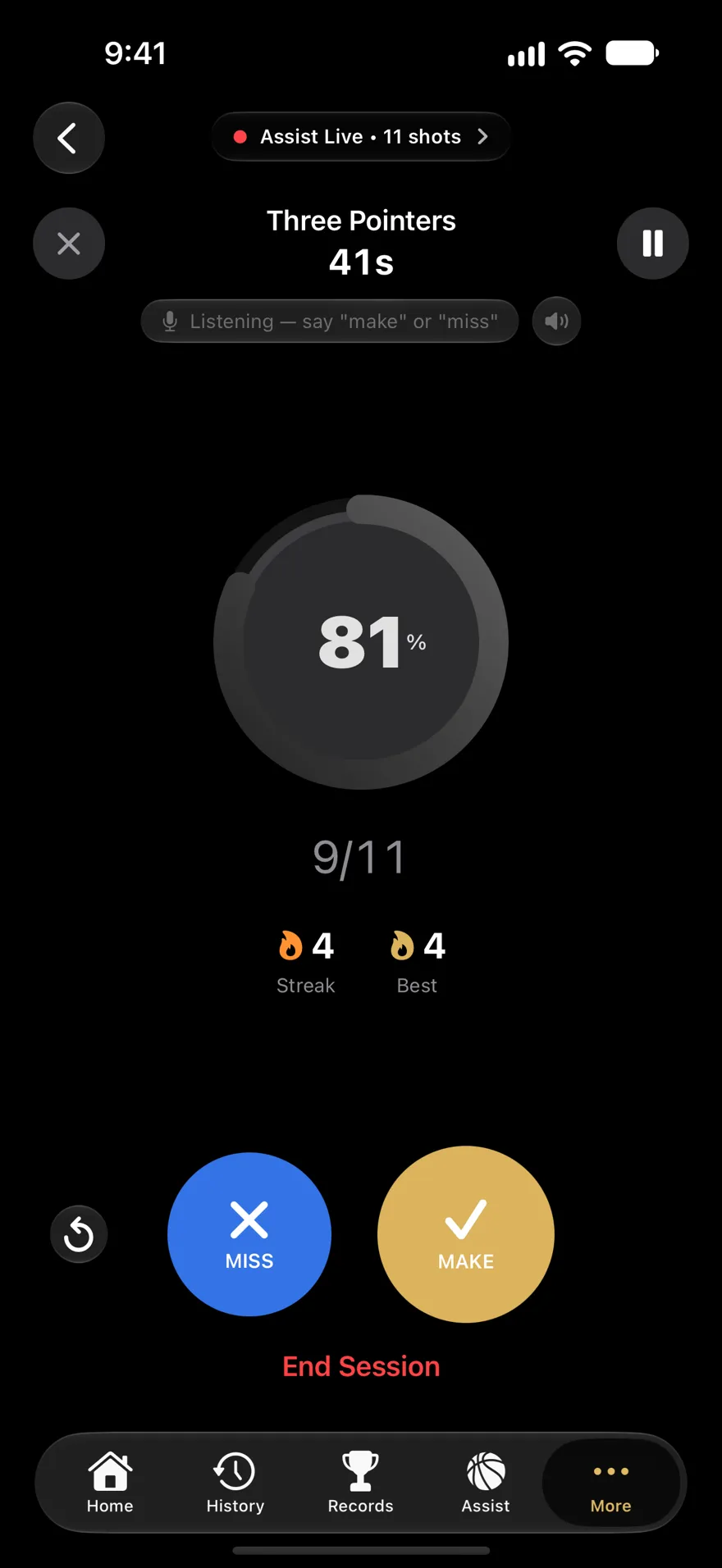
Assist Mode puts two big buttons on iPhone, with your percentage and streak live above them. Siri can log a shot too.
iPhone
6:09 PM Shot 24
Swipe between session faces while you shoot: race your best session, chase a record, watch your last ten, or read one huge number from across the gym. Four are free; Premium adds five more.
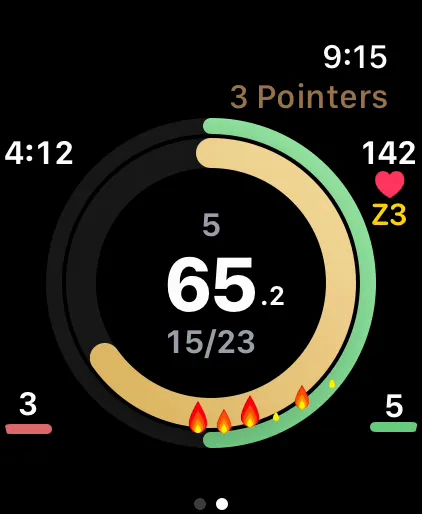
Classic Free
The original rings — percentage, streak, and fire.
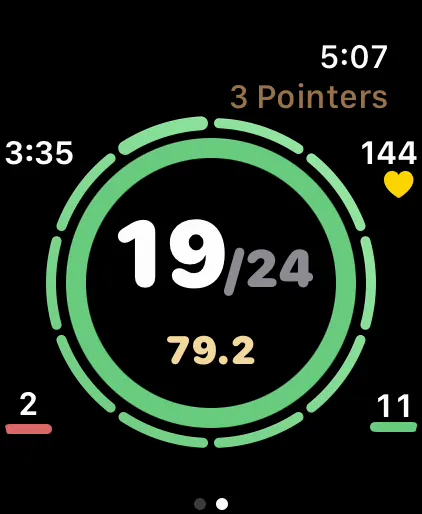
Big Number Free
Your makes, huge, with your percentage in gold underneath. Readable at arm's length.
Last Ten Free
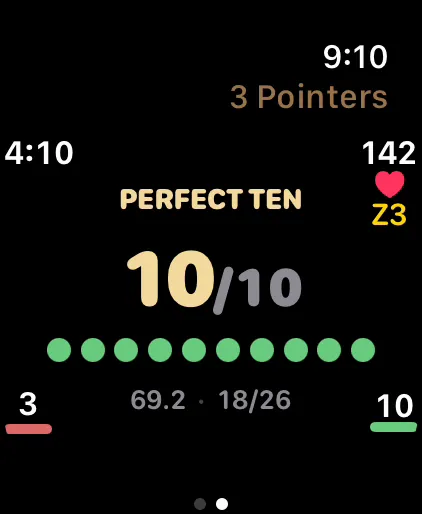
Your last ten shots as a row of dots — green makes, red misses — with the count huge: how you're shooting right now, not all session. Ten straight turns it gold.
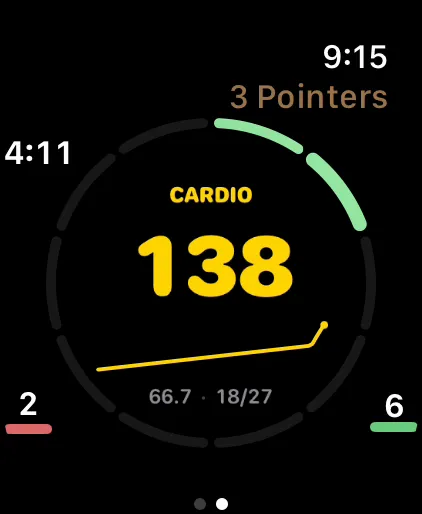
Heart Rate Free
Your live BPM, colored by zone, with the last few minutes as a trend line.
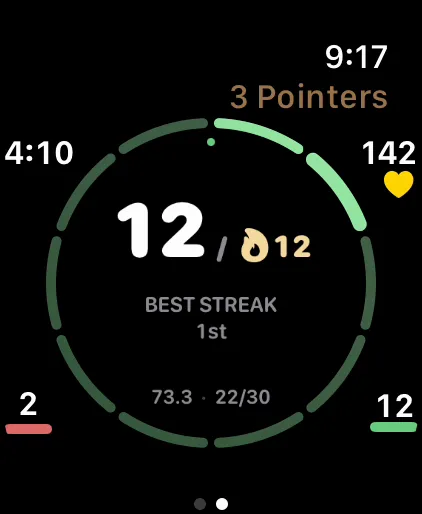
Chase Premium
Chases the best mark you can still reach — most out of 10, fewest to 25, your streaks — and says the place you're on for.
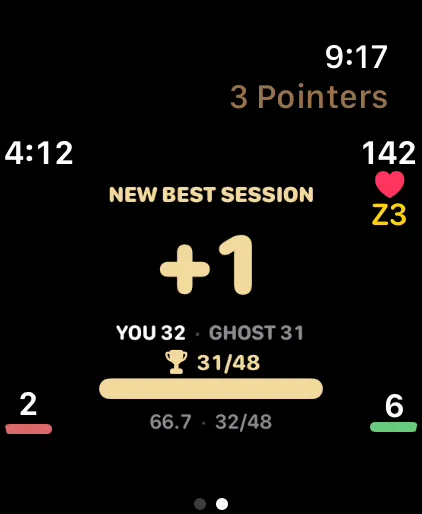
Ghost Race Premium
Races your best session shot for shot — with a wrist tap when the record's in reach.
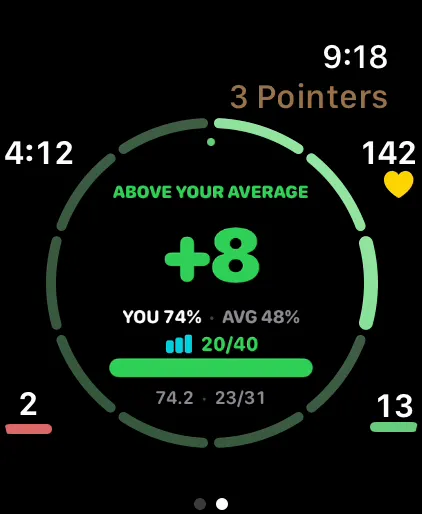
Average Race Premium
Races your average session shot for shot — green means a better-than-usual day.
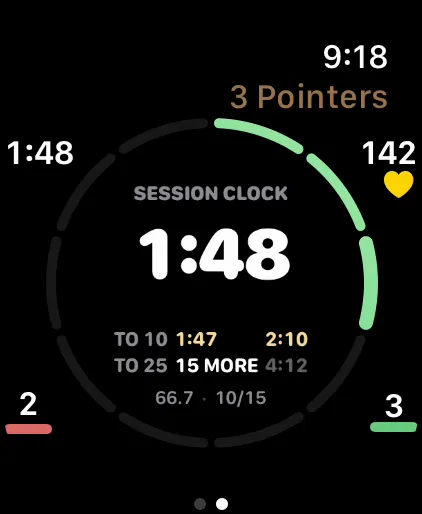
Stopwatch Premium
A session clock with your fastest-to-10, fastest-to-25 and onward splits under it, each beside your record — gold when today's is faster.
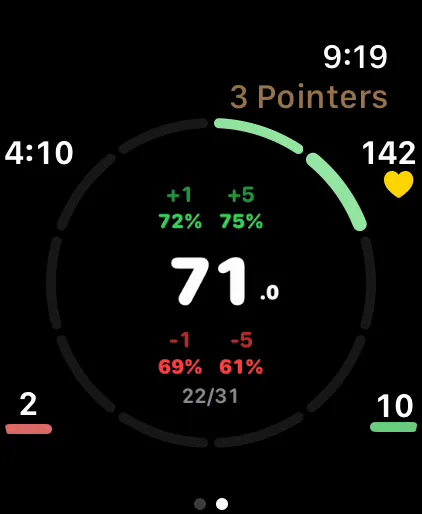
Projection Premium
What making or missing your next 1 or 5 does to your percentage.
New in 3.11: on most faces the streak ring has ten segments and laps after ten, so you can count a run at a glance. Arrange the faces you want, in the order you want, as your session pages.
6:15 PM Shot 41
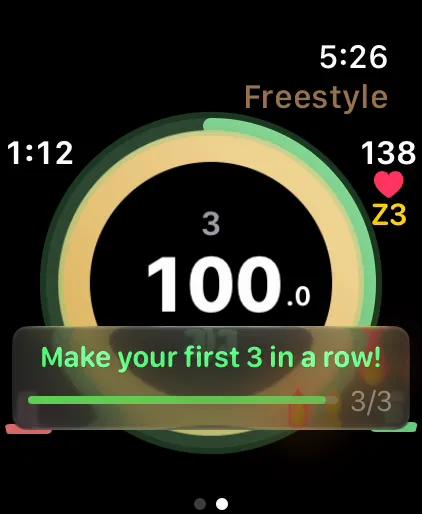
Every challenge is free. They pop up on your wrist while you shoot, and many are sized to how you usually shoot that shot, on Easy, Normal or Hard.
Early Session
Cold Start · First Five
Streak
Streak Challenge · Beat Your Best
Accuracy
Perfect Ten · Hot Streak
Percentage
Closer · Swing Shift
Milestone
Milestone Push · Century Club
Celebration
Pressure Free · New Record!
Beat My Run. Beat My Run turns any session into a link. Send it to a friend, and they race your exact run, shot for shot. No account, no server.
6:31 PM Shot 88
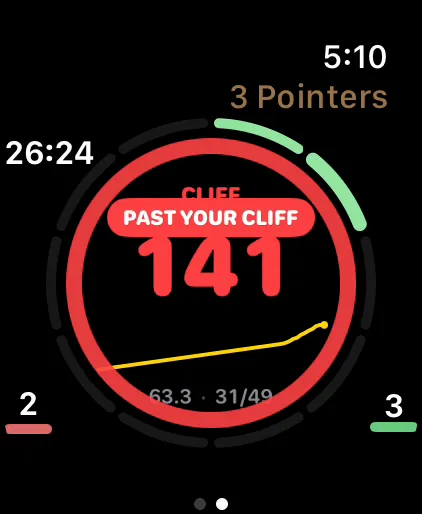
Every shot you log on Apple Watch carries your heart rate. Tally Hoops finds the heart rate where your make rate drops, and taps your wrist when you've been past it for a while.
The live cliff and its wrist alert are free. How your cliff moves over time is in Premium.
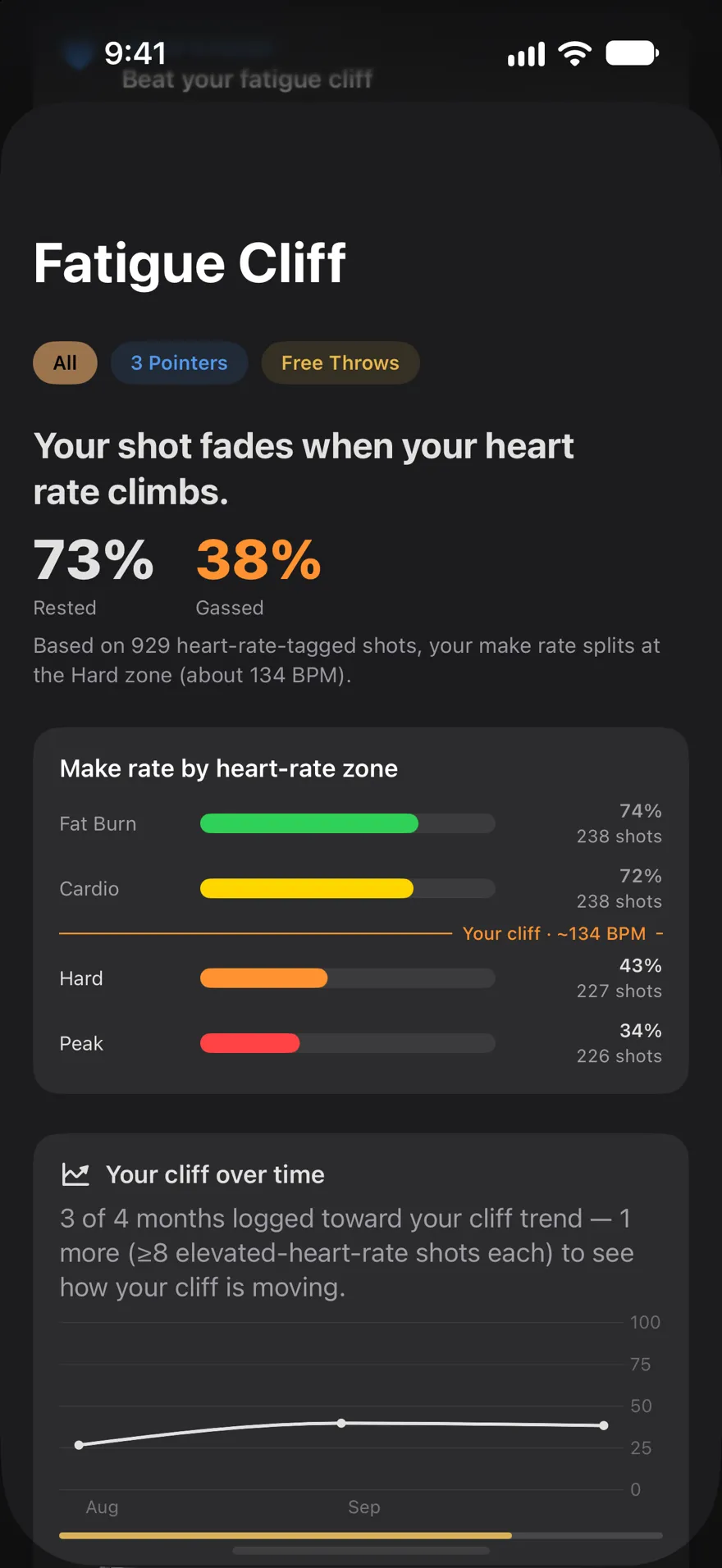
Fresh, below 134 bpm
73%
70 of 96 shots made
Gassed, above 134 bpm
38%
16 of 42 shots made
At 120 bpm you're in Cardio, where this player makes 72% (33 of 46).
Stay above your cliff for 20 seconds and the watch taps your wrist twice, then shows this banner on your next shot.
| Zone | Heart rate | Made | Make % |
|---|---|---|---|
| Warm Up | 84–100 bpm | 9 of 12 | 75% |
| Fat Burn | 101–117 bpm | 28 of 38 | 74% |
| Cardio | 118–134 bpm | 33 of 46 | 72% |
| Hard | 135–151 bpm | 12 of 30 | 40% |
| Peak | 152–168 bpm | 4 of 12 | 33% |
6:44 PM Shot 120
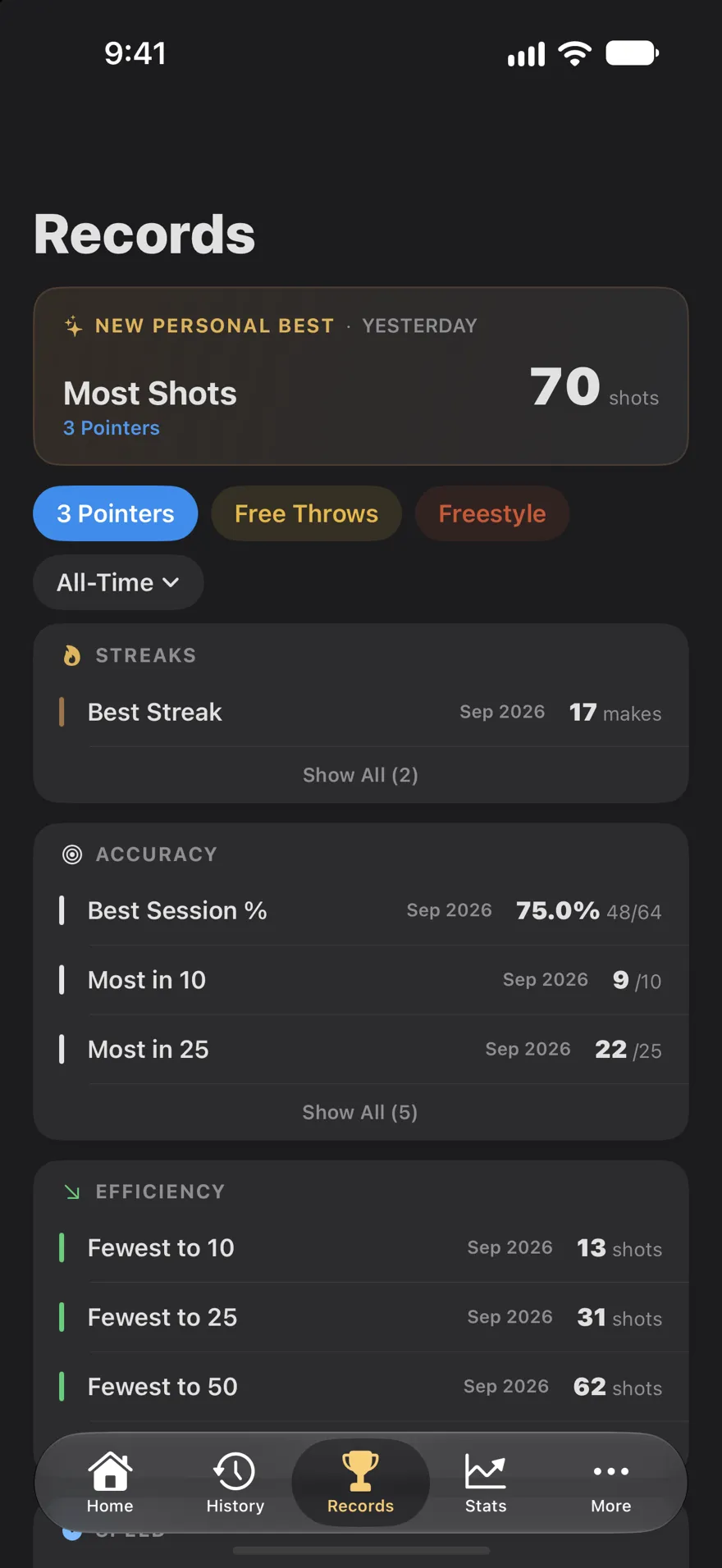
Personal records for streaks, accuracy, speed and volume, ranked, for each shot type. And a case full of badges to earn, from your first bucket to 250,000 career makes.
Streaks
Most makes in a row
Accuracy
Most out of 10, 25 and more
Speed
Fastest to 10 and to 25
Efficiency
Fewest shots to 10, 25 and 50
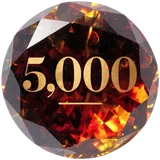
Your Player Card levels up with your career makes: Rookie → Bronze 1,000 → Silver 2,500 → Gold 5,000 → Platinum 10,000 → Legend 25,000 . (Premium)
Plus milestone ladders for every shot type, from your first 100 made threes to 100,000, in bronze, silver, gold and platinum.

First Bucket

On Fire
Heating Up

Red Hot

Can't Miss

Hot Start

Century

Marathon

Threes Master

Free Throw Ace

Money Closer
Free Throw Elite

Night Owl

Year-Round
Big Numbers
The Grind

Legend
19 secret
7:00 PM After
Record films your session on iPhone with your makes, attempts and streak drawn on the video as you log them. Film Room puts a chapter on every shot you logged, so you can jump straight to any make or miss.
Record: one session a month free, unlimited with Premium. Film Room is part of Premium.
Tomorrow Next session
The more you log, the more Tally Hoops can tell you about your own shooting.
Premium
Your shooting split by first half against second half, day of the week, time of day, session length, court, last night's sleep and how much you shot the day before. It only names a best condition when the gap holds up.
Free, with more in Premium
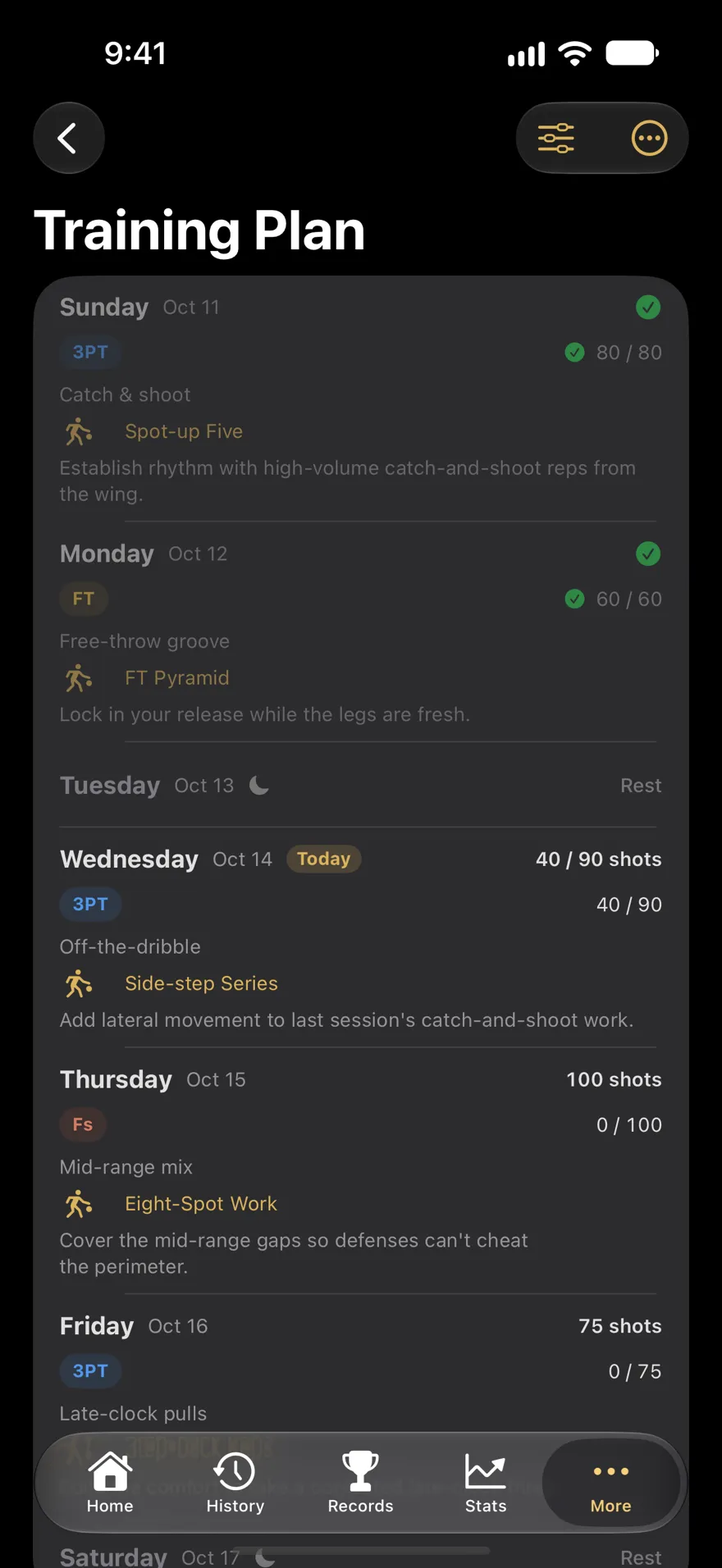
After every session, a short recap written from your own history, with every number checked against your data. Premium adds Coach's Corner and a weekly training plan written for you, on iPhones with Apple Intelligence.
Free
Last night's sleep, heart rate variability and resting heart rate beside what you shot, against your own normal range. No score, just what was different.
Makes, percentage, streak and live heart rate on your Lock Screen and in the Dynamic Island.
Start a session or check your week from your watch face, Smart Stack or Home Screen.
“Log a make in Tally Hoops.” Start sessions and log shots without touching a screen.
A watch session saves as a workout with your heart rate and calories, and counts toward your Activity rings.
The watch records sessions on its own and sends them to your iPhone when it's back in reach.
Your sessions live on your devices and in your private iCloud. Export any session as CSV or JSON.
Assist Mode's speech recognition runs on iPhone, so nothing you say is uploaded.
From Arabic to Ukrainian, including right-to-left Arabic and Hebrew.
Made by a hooper
I'm Matthew Parrott, and I build Tally Hoops on my own. I've logged more than 30,000 of my own shots with it. It's shaped by practicing in crowded gyms, where setting up a phone to film yourself isn't an option, so logging lives on the wrist.
★★★★★
Amazing App and Developer! Must download!
“This app has been amazing for me as an active basketball player! … It is soooo well designed and easy to find information.”
★★★★★
THANK YOU CREATORS
“This is the most beautifully designed stat tracking app I’ve ever seen. … Please make some trophies to earn/unlock.”
We did: 121 of them.
Free
$0
Premium
$29.99 a year
or $4.99 a month, or $99.99 once. US prices.
Yes. Tally Hoops is free to download, and the free version logs every shot on Apple Watch and iPhone, with all 26 challenges, four watch faces, your records, badges and Fatigue Cliff, and stats for the last week and month. Premium (from $4.99 a month in the US) adds your whole career in Stats, five more watch faces, every drill and AI coaching.
No. You log each shot yourself in about a second: roll the Digital Crown or Double Tap on Apple Watch, or tap a button or say “make” or “miss” on iPhone. Nothing needs to see the hoop, so there's no camera or tripod to set up.
No. On iPhone, Assist Mode logs shots with big Make and Miss buttons or your voice. The watch adds hands-free logging, the session faces, challenges, and heart rate on every shot, which is what the Fatigue Cliff is built from.
Yes. Every session is Three Pointers, Free Throws or Freestyle, and your records, stats, drills, milestones and Fatigue Cliff are kept for each shot type on its own.
It's the heart rate where your make percentage drops. Tally Hoops tags every shot you log on Apple Watch with your heart rate, and after 40 or more of them it finds where your shooting falls off. If you stay above it for 20 seconds during a session, the watch taps your wrist twice on your next shot, as long as the Heart Rate face is one of your session pages.
An iPhone with iOS 26 or later, and for the watch app, an Apple Watch with watchOS 26 or later. Double Tap needs Apple Watch Series 9, Ultra 2 or later; the Digital Crown and press-and-hold work on every model.
No. The watch app records a whole session on its own and sends it to your iPhone when the phone is back in reach.
Tally Hoops has no accounts, no ads and no ad tracking. Your sessions stay on your devices and in your private iCloud, and voice recognition runs on your iPhone.
More in the guides and on the support page.
Free on the App Store for iPhone and Apple Watch. Your shots, your data.
Scan to download