
A shot tracker that doesn't need a camera
By Matthew Parrott, who makes Tally Hoops ·
Camera-based shot trackers want your phone on a tripod, aimed at the rim, with you in frame for the whole workout. Tally Hoops counts from your wrist instead: make the shot, log it with a flick of the Digital Crown or a Double Tap, and keep shooting.
Free to download · iPhone and Apple Watch
Why skip the camera
Camera tracking can be impressive when it works, but it asks a lot of your session. You need a tripod or somewhere to wedge the phone, a clear view of you and the rim, enough battery, and a court where nobody walks through the shot. Outdoors, glare and low sun get in the way; in a busy gym, other players do. And you have to stay in frame.
Logging from your wrist has none of that setup. It works at any hoop, indoors or out, at any distance and on any shot, from free throws to pull-ups. The trade-off is honest: you log each shot yourself, and Tally Hoops doesn't know where on the floor you shot from. A Crown turn or a Double Tap takes about a second, and most players find it becomes part of the shot routine within a session.
How to log shots on Apple Watch
Start a session on the watch (Three Pointers, Free Throws or Freestyle), then after each shot:
| Input | Make | Miss | Works on |
|---|---|---|---|
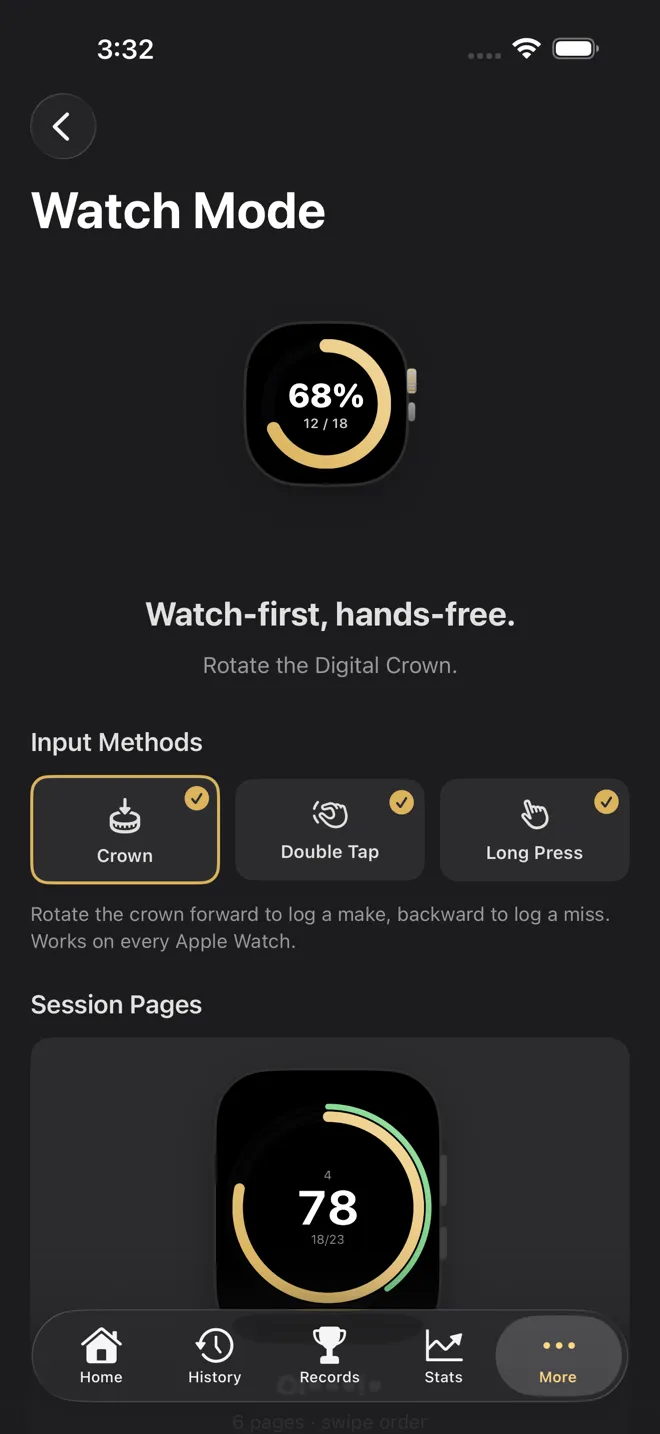
| Digital Crown | Roll it up (forward) | Roll it down (backward) | Every Apple Watch |
| Double Tap | Pinch index finger and thumb together twice | – | Series 9, Ultra 2 or later |
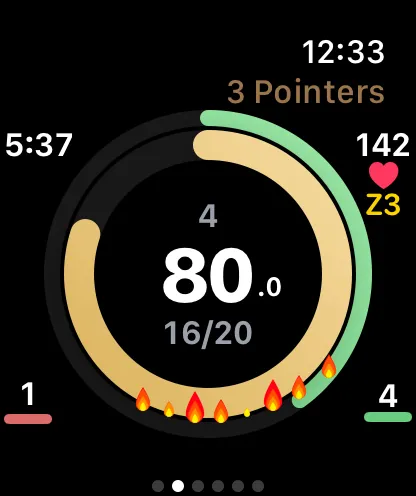
| Press and hold | – | Press and hold anywhere on the shot ring | Every Apple Watch |
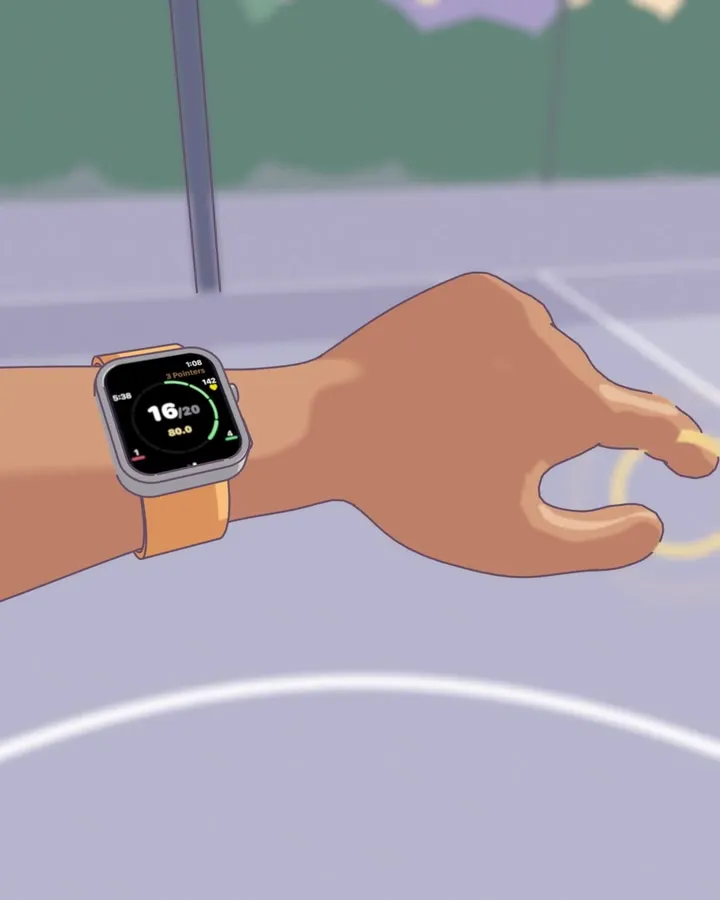
Double Tap is the one in the animation above, and it's the most hands-free: it's done with the hand wearing the watch, so you don't need your other hand or even a look at the screen. The other two use your free hand:
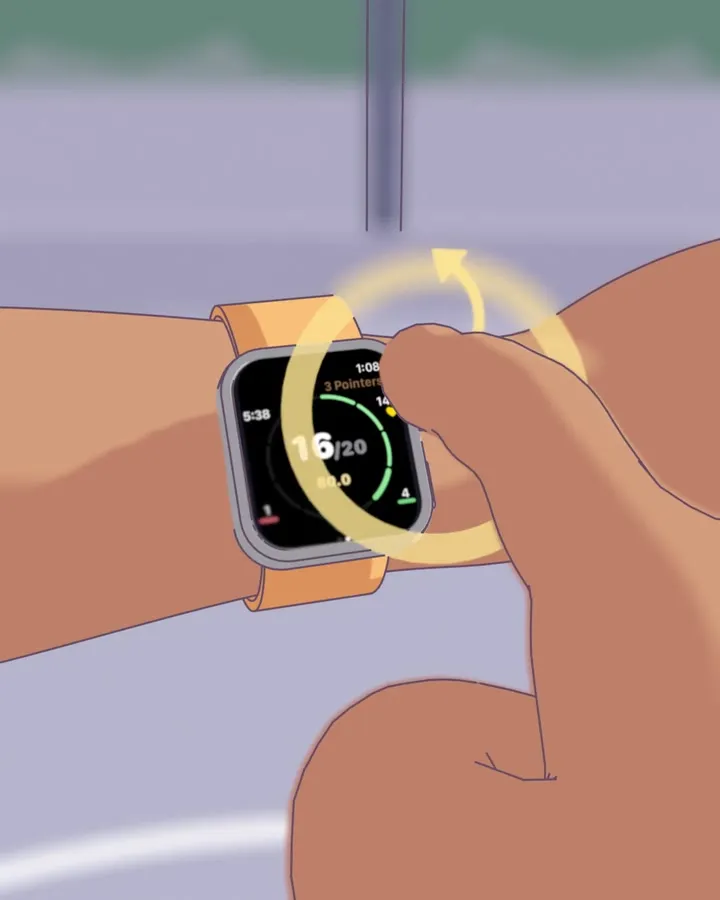
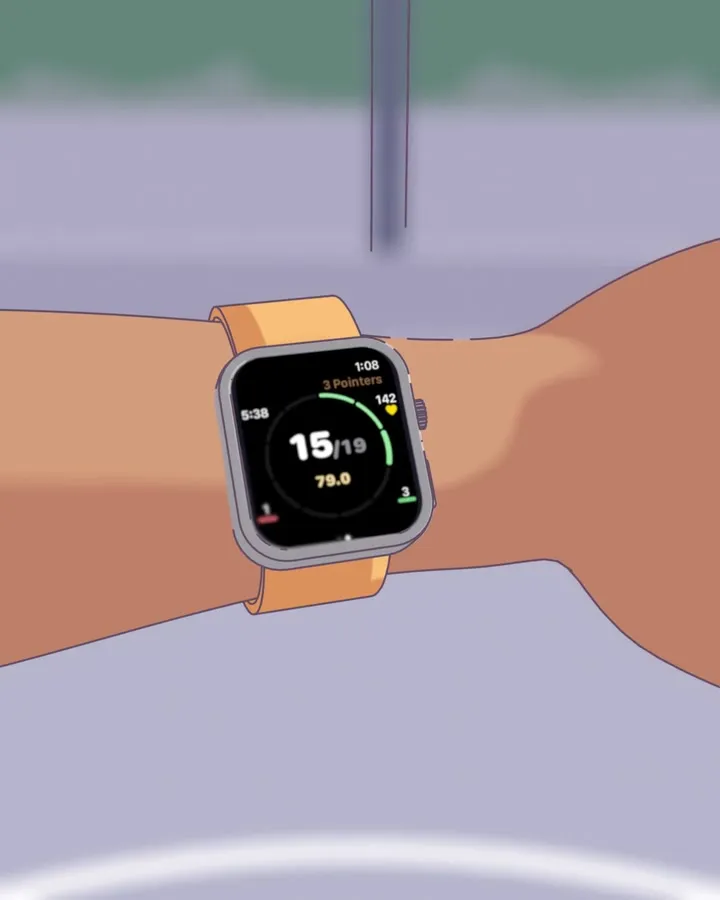
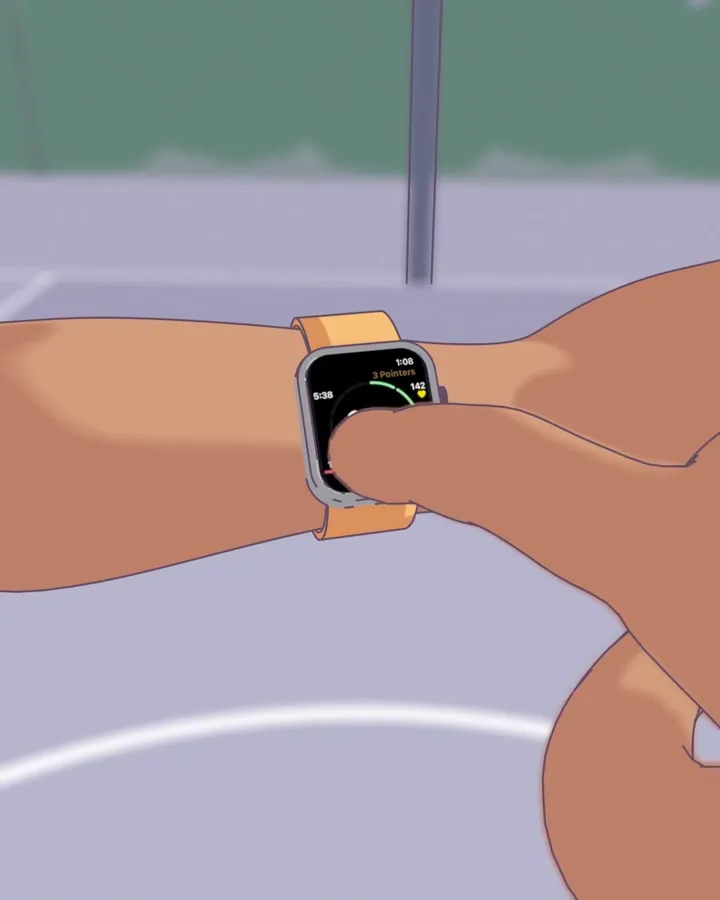
You can turn any input off in Watch Mode (under More in the iPhone app) if you'd rather not trigger it by accident; at least one stays on.
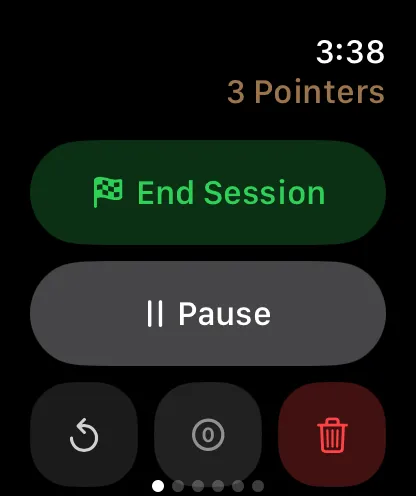
After each shot the watch briefly ignores input, so one shot can't be counted twice. If you do log the wrong result, the Controls page has Undo.
No watch? Use your voice
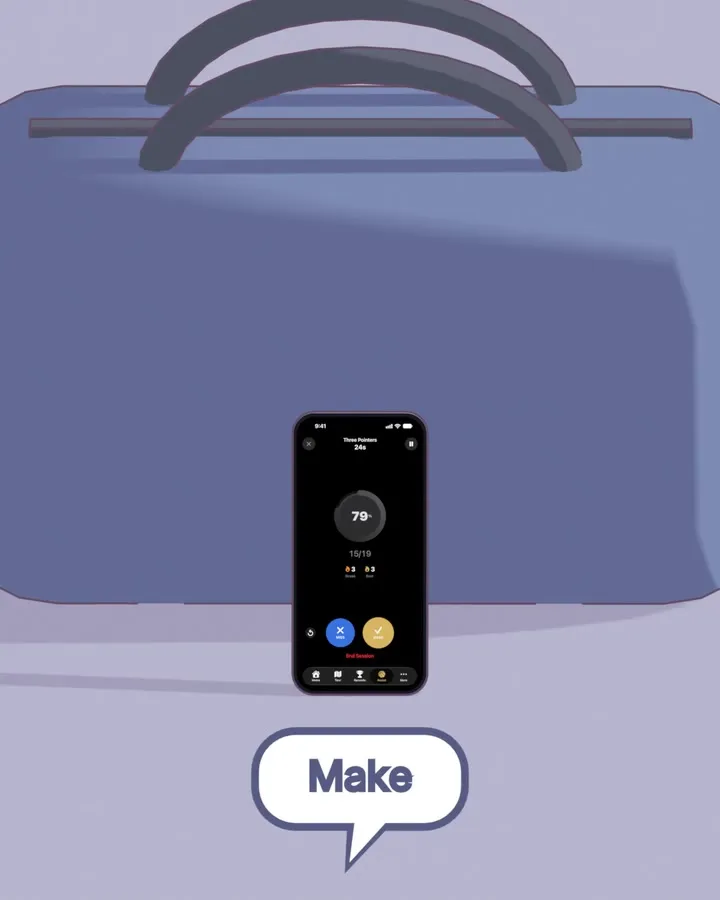
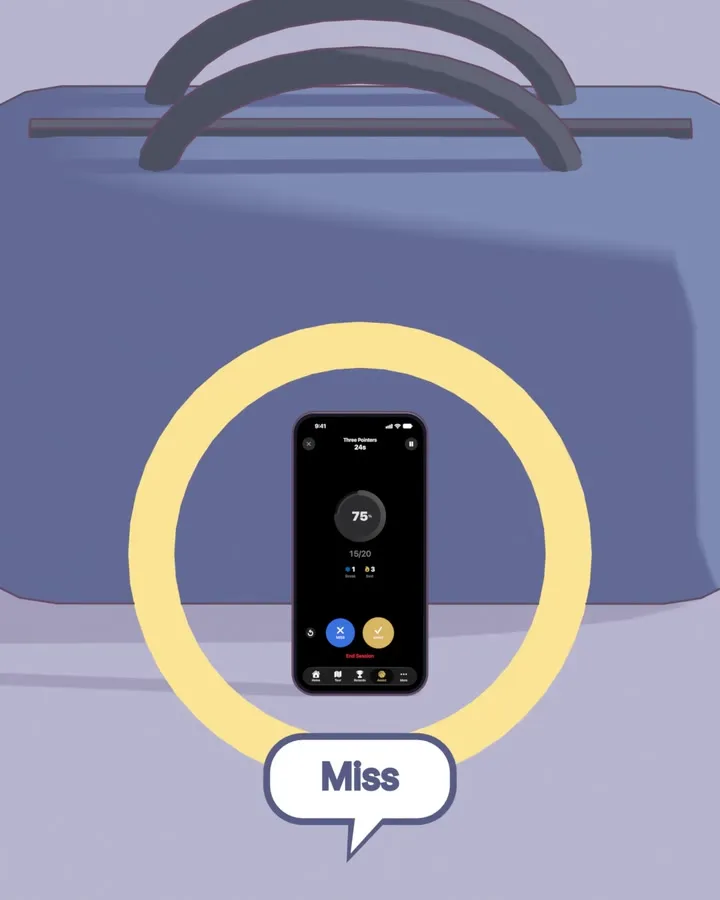
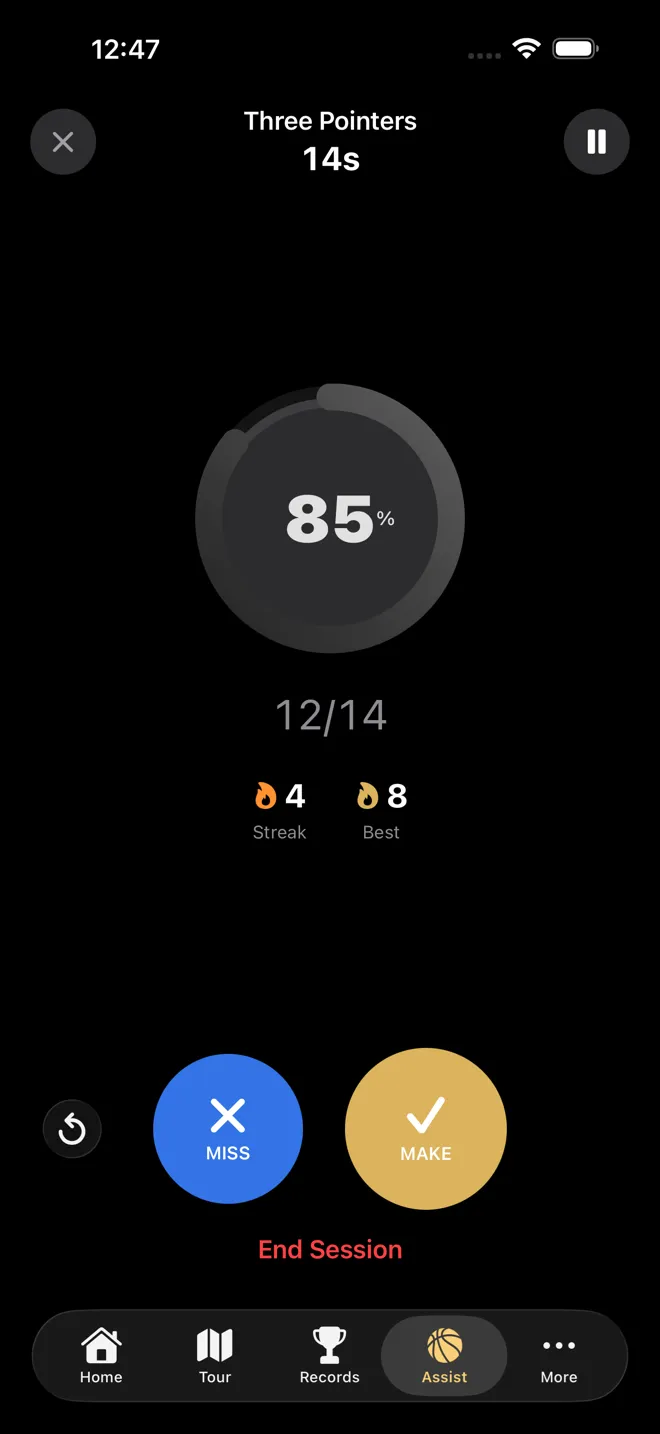
Assist Mode turns your iPhone into a hands-free counter. There's nothing to set up: lean the phone against your bag, or anywhere it can hear you, and say what happened after each shot: "make" or "miss", or the way you'd actually say it, like "swish", "bucket", "money" or "brick". "Undo", "pause", "resume" and "end" work too. Recognition runs on the phone itself, and it works best with AirPods. If you'd rather tap, Assist Mode has big Make and Miss buttons.
You can also log with Siri: "Log a make in Tally Hoops" or "Log a miss in Tally Hoops".
You still get the full picture
Logging by hand doesn't mean less data. Every session gets your makes, attempts and percentage, your best streak, a shot-by-shot breakdown, and records that update as you break them. Shots logged on Apple Watch also carry your heart rate at that moment, so you can see how your shooting holds up as you tire, something a camera can't measure. How to track your shooting percentage goes through what to do with the numbers.
And if you do want footage, Video Mode records your session with your stats overlaid. It records; you still log the shots, by tapping or from a session on your watch. Free accounts get one recording a month.
Checked against Tally Hoops 3.11 on October 14, 2026.
Questions
Does Tally Hoops use the camera to count shots?
No. Tally Hoops never needs to see your shots. You log each make or miss with a gesture on Apple Watch, a button or your voice on iPhone. If you want video, Video Mode can record your session with your stats on screen, but you still log the shots yourself.
Which Apple Watch do I need?
Any Apple Watch running watchOS 26 or later. The Digital Crown and press-and-hold inputs work on every model; Double Tap needs Apple Watch Series 9, Ultra 2 or later.
Do I need to bring my iPhone to the court?
No. The watch app runs on its own and keeps your sessions on the watch until your iPhone is in reach again, then syncs them.
What if I log a shot by mistake?
Swipe to the Controls page on the watch and tap Undo, or tap Undo in Assist Mode on iPhone, or just say "undo". After each shot the watch also ignores input for a moment, so a bump can't log the same shot twice.
Is my voice sent anywhere?
No. In Assist Mode, speech recognition runs on your iPhone and nothing is uploaded.